Changelog
We ship new features, fixes, and improvements to Formo every week
Here are this week's highlights:
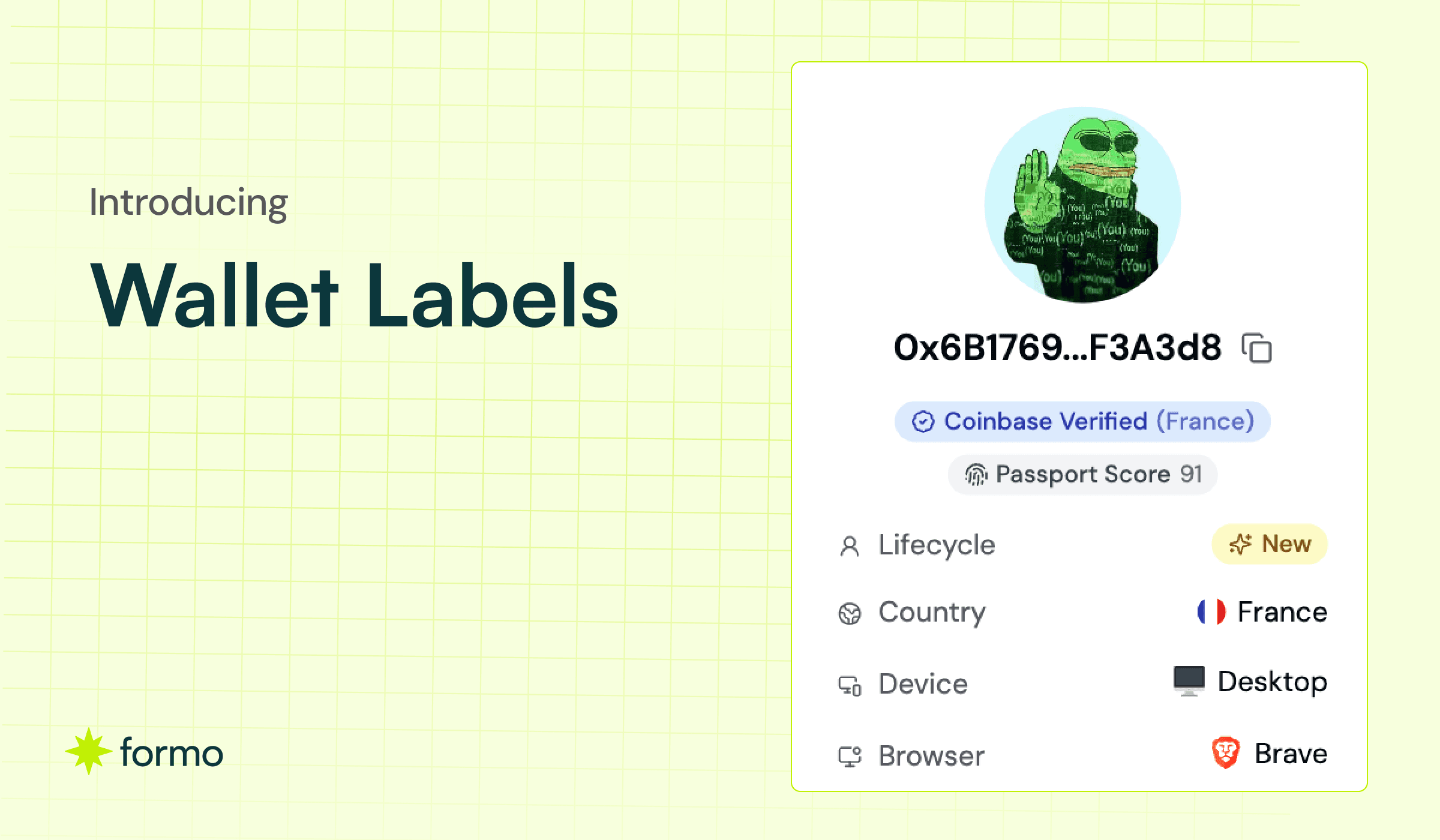
Introducing Wallet Labels
Flow Chart: See Users at Each Step
Forms: Conditional Logic
Forms: Scheduled Opening & Closing
Forms: Progress Bar
Forms: Prevent Duplicate Submissions
Improvements and Fixes
Introducing Wallet Labels
Wallet Labels provide valuable context and clarity to blockchain addresses, enhancing the readability and understanding of onchain data.
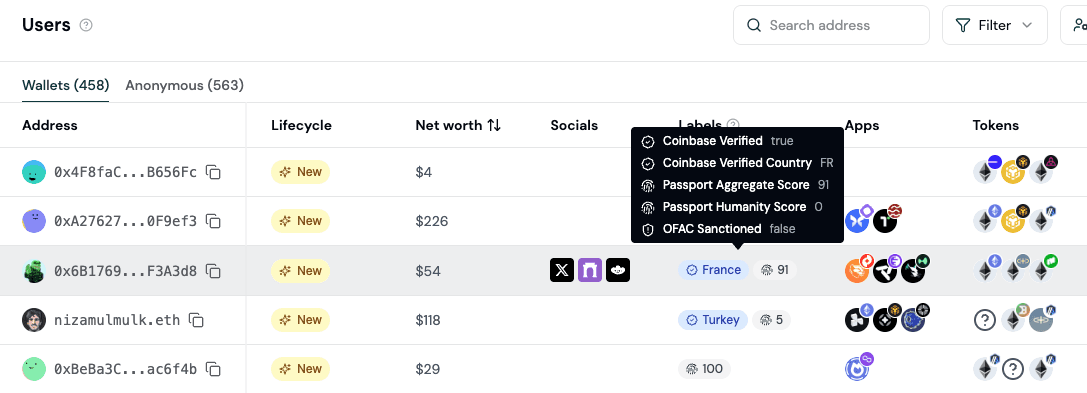
You can now see and filter users by labels. In this release, the following labels are available for each user:
Label | Description |
|---|---|
Sanctioned User | OFAC-sanction status and designations |
Human Passport Unique Humanity Score | Human Passport score (0-100) |
Human Passport Aggregate Model Score | Aggregate unique humanity score for EVM wallets (0-100) |
Coinbase Verified Account | Coinbase verified account attestations |
Coinbase Verified Country | Coinbase verified country attestations with country code extraction |
Coinbase One | Coinbase One subscription attestations |
Labels help you understand your users so you can create granular segments to target qualified users in your Ideal Customer Profile (ICP.) More wallet labels will be rolled out over time.
Flow Chart: See Users at Each Step
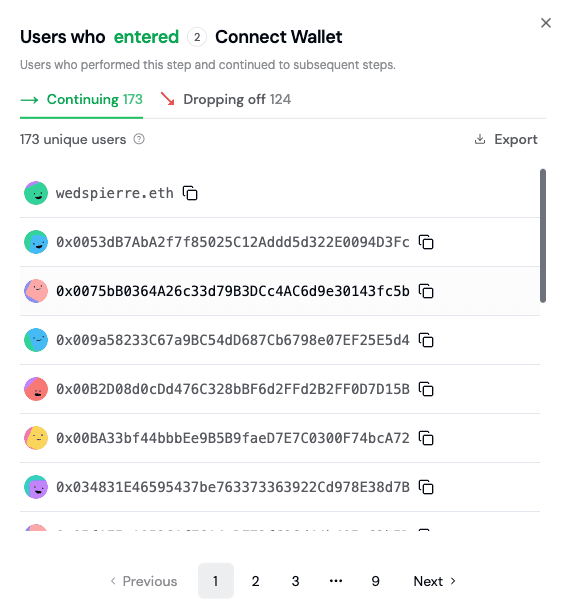
One of the most powerful features of the Flow Chart is the ability to see all the users who passed through a specific step.
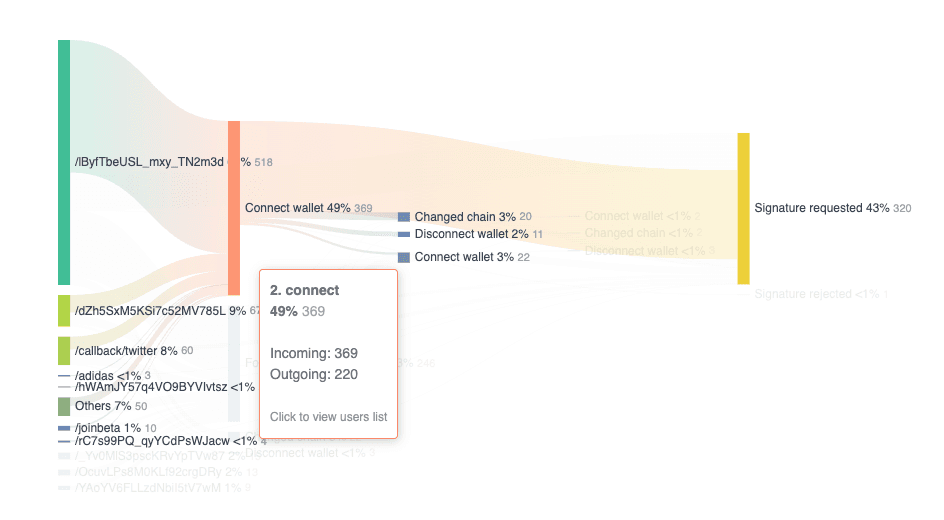
To do this, click on the step you want to inspect next to the name of step. This brings up a list of all of users who completed and dropped off at that step.
Forms: Conditional Logic
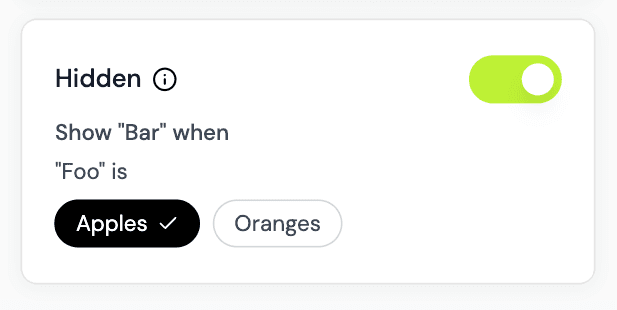
You can now show or hide questions and fields based on previous answers.
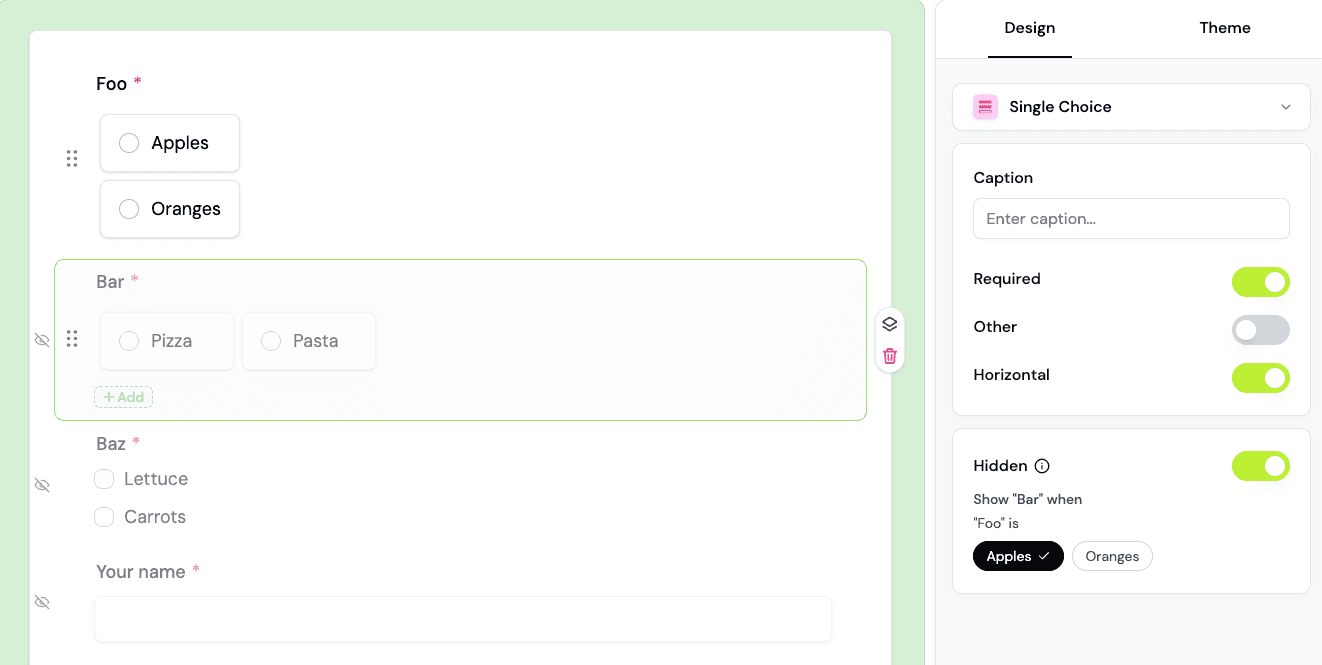
Open the field settings to make a field hidden. Then, specify under what conditions it will be shown.
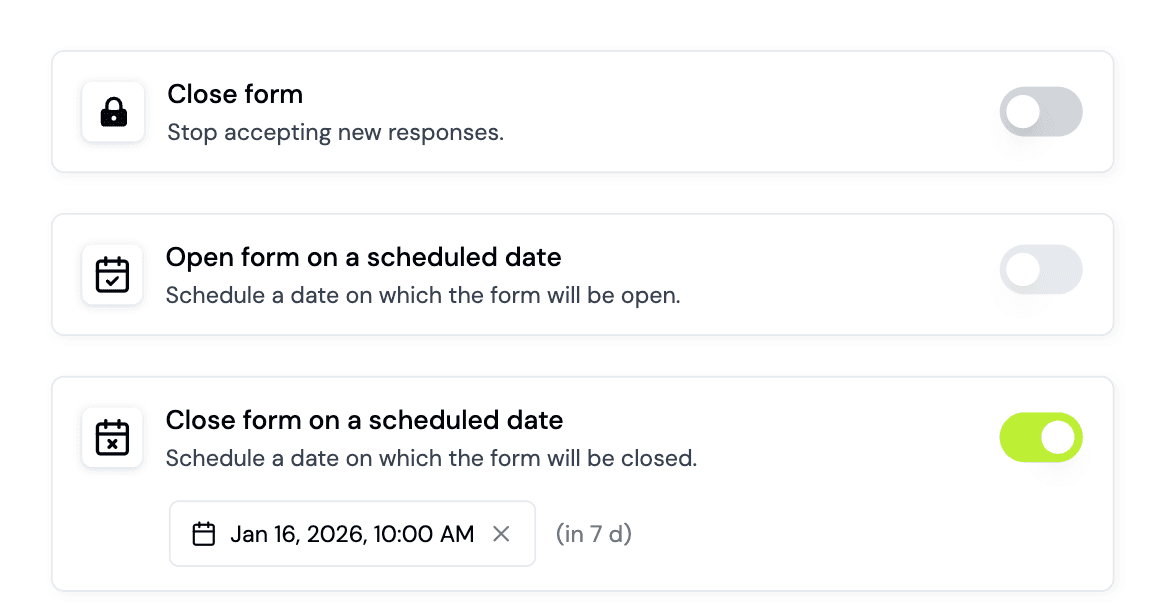
Forms: Schedule Opening & Closing
If you want your form to open/close on a particular date, you can use this feature to set a scheduled date for it to automatically do so.
Forms: Progress Bar
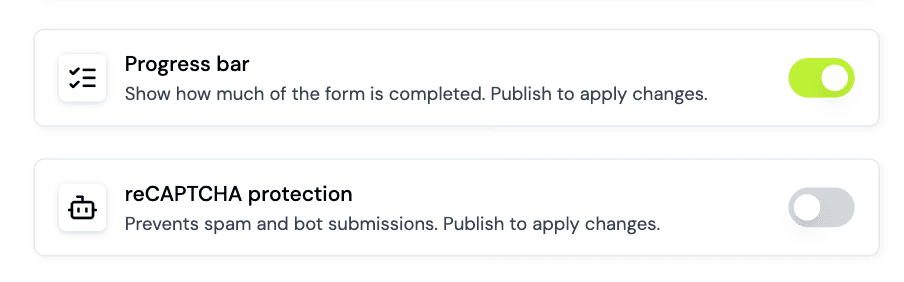
You can now show a progress bar at the top of your forms. The progress bar shows respondents how much of your form they have completed.
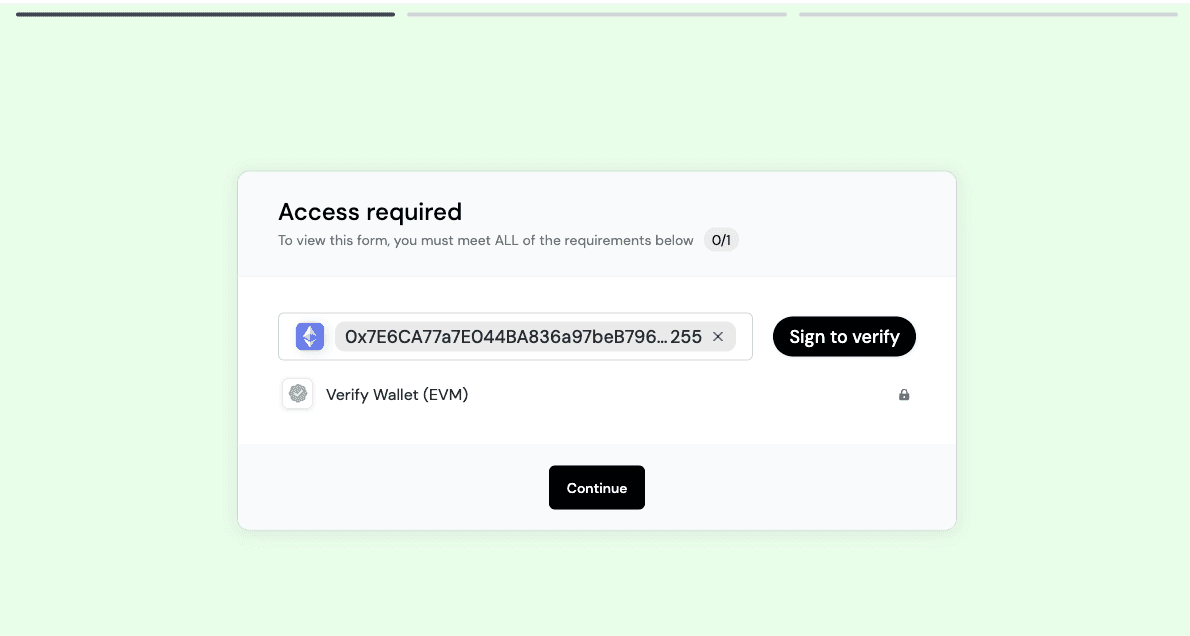
Enable this in your form settings.
Forms: Prevent duplicate submissions
You can now ensure that each respondent can only submit the form once.
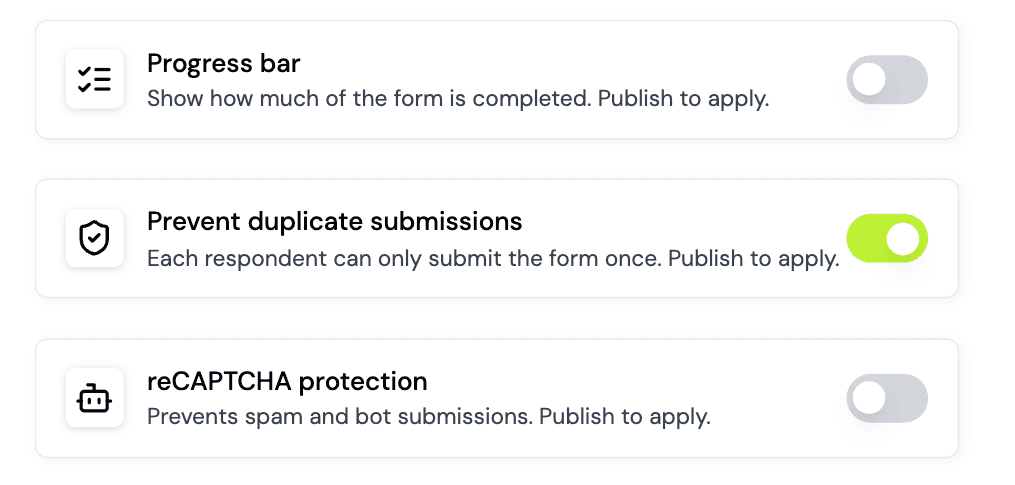
Enable this in your form settings.
Improvements and Fixes
Added support for event properties in funnels conversion insights
Added X verified status (blue checkmark) access requirement to Forms
Improved funnel page load performance
Improved overview page user count accuracy with identity stitching
Minor UI fixes and platform improvements
Share this on
Crypto analytics that drive growth
Formo helps you define, measure, and drive impact onchain in less time.
Stay up to date with weekly product updates and the latest industry insights.
Platform