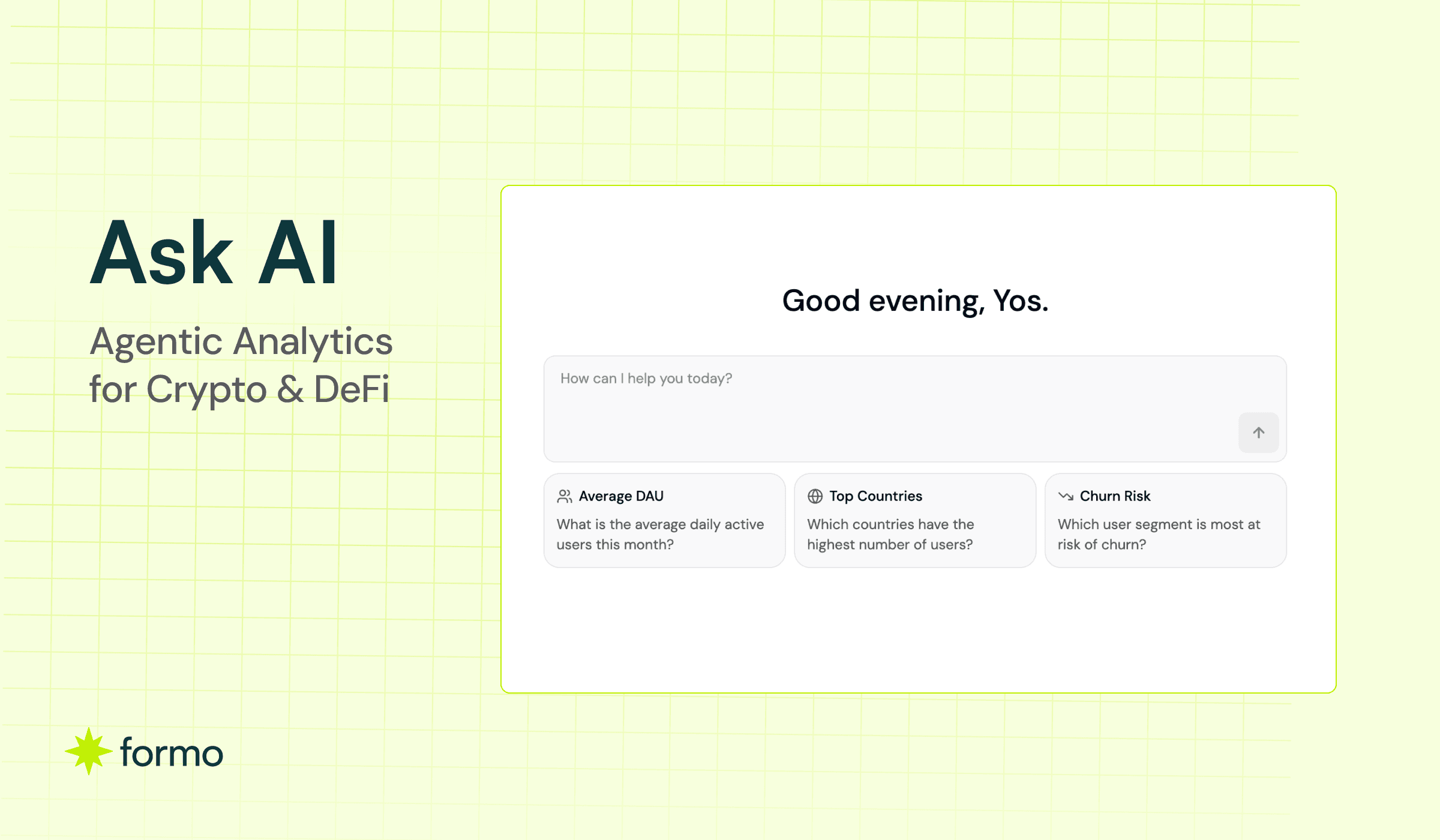
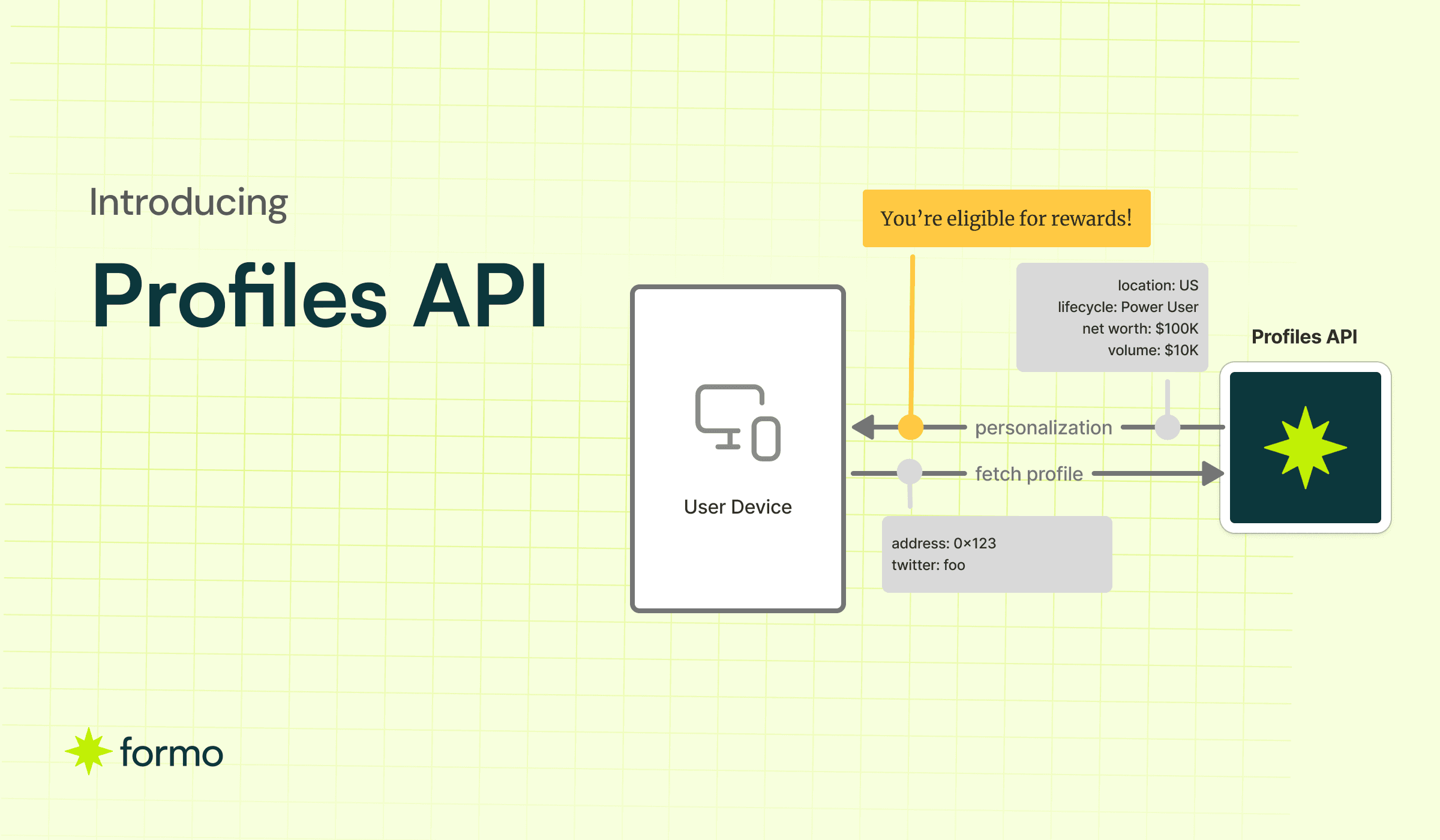
Ask AI with Formo MCP: Agentic Analytics for Crypto Apps

Key Takeaways
The Formo MCP is a Model Context Protocol server that connects Claude, ChatGPT, Cursor, and other AI clients to your analytics and workspace.
It covers the whole surface, not just product analytics: web analytics, product analytics, marketing attribution, revenue and onchain activity, and wallet profiles.
It reads and it writes. An assistant can create alerts, boards, charts, and segments, or start tracking a contract, so an answer becomes an action in the same conversation.
Formo keys on the wallet, so a campaign click, a wallet connect, and an onchain transaction sit in the same funnel. Onchain data tools and web analytics tools each see only part of that.
Every connection is scoped to one project and to the permissions you approve. Deletes need explicit confirmation, sessions expire after an hour, and no analytics data is retained.
MCP is available on the Scale and Enterprise plans, and only a workspace owner or admin can create a connection.
The Formo MCP is a Model Context Protocol server for onchain and crypto apps. It covers web analytics, marketing attribution, revenue and onchain activity, and wallet profiles are all in scope. Add https://api.formo.so/v0/mcp/ to Claude, ChatGPT, Cursor,and your assistant can query your app’s KPIs, funnels, retention, attribution, revenue, and wallet profiles in plain English, then act on the answer by creating charts, alerts, and segments in your Formo workspace.
The Formo MCP is an MCP server that connects Claude, ChatGPT, Cursor, and Claude Code to the data platform for onchain apps. Ask about key metrics, funnels, retention, attribution, revenue, and wallet profiles in plain English, then let your AI assistant build the reports. No data team required.
What makes it different is not that an AI can read your analytics. It is that Formo’s unit of analysis is a wallet, so the funnel it measures runs from an ad click through a wallet connect to an onchain transaction.
What is MCP?
The Model Context Protocol (MCP) is an open standard for connecting AI assistants to external systems. Before MCP, every AI tool needed a bespoke integration with every data source. MCP replaces that with one common port: a server publishes a set of tools, and any MCP-compatible client can discover and call them. Anthropic released the protocol in late 2024, and it is now supported by Claude, ChatGPT, Cursor, Claude Code, Windsurf, VS Code, and most serious AI coding tools. The Formo MCP is Formo’s implementation of that standard.
What problem does the Formo MCP solve?
The Formo MCP answers questions about your own app.
Onchain data tools tell you what happened on the chain: DEX volume, whale movements, stablecoin flows, token holders. They cannot tell you what happened in your app.
Web analytics tools tell you what happened in a browser: page views, sessions, sign-ups. They have no concept of a wallet as an identity.
For example, “Which campaign brought in the wallets that actually bridged funds?” needs three things at once: the offchain touchpoint (the ad click), the in-app event (the wallet connect), and the onchain transaction (the bridge). Formo stitches all three into a single journey connected to a known user.
The result? You get full visibility of your users and what they do, from page visits on the web through to transactions and revenue onchain.
Onchain data tools vs web analytics tools vs the Formo MCP
Onchain data tools | Web analytics tools | The Formo MCP | |
|---|---|---|---|
Question it answers | What happened onchain? | What happened in my web app? | What happened across my whole funnel from offchain to onchain, which wallets did it, and where did they come from? |
Where the data comes from | Chain data only | Web and mobile only | Web, mobile, and onchain in one place |
Funnel visibility | Transactions only, with no view of what led to them | Page views and in-app events, stopping at the wallet connect | Full funnel, from an ad click and a page view through wallet connect, signature, and transaction |
Unit of analysis | Address, token, contract | Session or anonymous visitor | Wallet, resolved across sessions, devices, and chains |
Funnels and retention | No | Yes, offchain only | Yes, offchain and onchain steps in the same funnel |
Marketing attribution | No | Yes, as far as the sign-up | Yes, campaign to wallet to transaction to revenue |
Revenue | Chain-wide volume | Self-reported, or through a payments integration | Onchain revenue and volume, by chain and by contract |
Wallet enrichment | Yes, market-facing labels | No | Yes, net worth, tokens, chains, and labels |
Write actions | Limited | Yes, charts and cohorts | Yes, alerts, charts, boards, segments, tracked contracts, and profiles. |
If you want to know what the market is doing, use an onchain data tool. If you want to know what your users are doing, use the Formo MCP.
What can you ask the Formo MCP?
Ask in your AI tool and get analytics and attribution data back.
Request a summary of last week’s key metrics.
Figure out what is working and what is not.
Get recommended actions to move the needle.
Ask follow-up questions and explorations.
You get detailed analysis and answers based directly from your own data, not guesswork.
Web analytics
“Which pages get the most traffic this month, and which ones convert?”
“Where are my visitors coming from, by country and by referrer?”
“How did pageviews trend over the last 90 days?”
Product analytics
“What are my KPIs for the last 7 days?”
“Show me daily active wallets for the past month, and compare to the month before.”
“What’s the conversion rate from pageview to wallet connect to first transaction?”
“Where do users drop off between connecting a wallet and signing?”
“Which lifecycle stage are most of my users in right now?”
“Show me Day-30 retention by weekly cohort.”
“How often do returning users come back?”
“What are my top events this week, and which ones grew fastest?”
“Map the most common paths users take before their first swap.”
Marketing attribution
“What are my top traffic sources this month?”
“Show me wallet connects broken down by UTM source and campaign.”
“Which acquisition channel produces wallets with the highest 30-day retention?”
“Which countries are my users coming from, and which convert best?”
“Compare revenue per user across our three biggest referrers.”
“Did the Base campaign bring in wallets that actually converted, or just visitors?”
Wallet intelligence
“Look up the profile for
0x…, including net worth and top tokens.”“What are my top wallets by transaction volume this quarter?”
“Which chains are my users most active on?”
“List users in the power-user lifecycle stage holding more than $10k in stablecoins.”
“Tag these 100 wallets with
active_q3.” (batch label tools handle up to 100 wallets per call)“Which of my top 100 wallets have gone quiet in the last two weeks?”
Revenue and onchain performance
“What’s our revenue for the last 90 days, broken down by chain?”
“Show transaction volume by contract, week over week.”
“Which contract event drives the most revenue per user?”
Taking action
“Create an alert that emails me when daily active wallets drop more than 20% week over week.”
“Build a board called Q3 Growth with charts for DAU, wallet connects, and revenue.”
“Save everyone matching that filter as a segment called
high-value-dormant.”“Start tracking this contract on Base and include these three events.”
“Copy the retention chart to the Exec board and move it to the top.”
Which teams use it?
Product teams
Know which features and launches drive activation and where users drop off, so you can make product decisions with confidence based on real data.
“Where do users drop off between wallet connect and first swap?”
“Show me our Day-30 retention by weekly cohort, and compare it with last quarter.”
Marketing teams
Accurately measure the ROI on each channel and campaign, by the wallets that converted rather than by clicks and impressions.
“Which acquisition channel produces wallets with the highest 30-day retention?”
“What is the cost per converted wallet by campaign this quarter?”
Data teams
Stop being the bottleneck. Give your team instant answers to their questions, and keep full access to your data for when you need a closer look.
“Run this SQL against the last 90 days and explain the result.”
“Is the swap_completed event landing, and what properties does it carry?”
What tools does the Formo MCP provide?
Each part of your data is a tool your assistant can call, and it picks the right one for the question.
The groups follow the questions you ask. Web and product analytics covers what people do in your app, from traffic and funnels through to retention and cohort analysis. Revenue and onchain covers what that activity is worth, and marketing attribution connects it back to the campaign that drove it. Wallet profiles covers who is behind an address. SQL and exploration is there for when you want the query itself. The rest are what you do with an answer once you have it: alerts, charts and boards, tracked contracts, and segments.
Group | What you use it for | Permission | Tools |
|---|---|---|---|
Web and product analytics | Traffic, pages, sources, and locations, plus the events, funnels, flows, retention, and cohorts. |
|
|
Revenue and onchain | Revenue and transaction volume, broken down by chain, contract, or any dimension you track. |
|
|
SQL and exploration | Write your own SQL, ask for the query behind an answer, or let the assistant explore your data. |
|
|
Wallet profiles | Look up the profile behind an address, then tag, label, or import wallets in bulk. |
|
|
Alerts | Turn a key user action into a real-time alert, so you get notified the next time it happens. |
|
|
Charts and boards | Save an answer as a chart, group charts into a board, and rearrange your dashboards. |
|
|
Tracked contracts | Start tracking a smart contract and choose which of its events to ingest. |
|
|
Segments | Save a filtered set of users, then reuse it across charts and alerts for targeting and segmentation. |
|
|
See the full list of tools in the MCP docs.
How do I connect the Formo MCP?
There are two ways to get started:
OAuth, for clients that manage sign-in. Use this wherever the client supports it.
A workspace API key, for clients where you set the headers yourself.
Connecting with OAuth is straightforward and recommended:
Open your AI's (Claude / ChatGPT / others) connector settings.
Add a custom connector.
Enter the server URL, including the trailing slash:
https://api.formo.so/v0/mcp/Sign in to Formo, pick the project you want it to see, and approve the permissions you want to grant.
See the OAuth guide for a detailed walkthrough. The MCP docs have the exact config for all major AI clients.
How does the Formo MCP work?
You connect once, and your assistant sees one project with access to your workspace and the permissions you approved.
Ask a question and it picks the right tool, runs it against your data, and answers in plain English. Ask it to show its work and it will give you the query it ran, so you can check any number before you act on it.
Any updates the AI makes go through the same path as a human would on the dashboard. A chart or alert your assistant creates behaves exactly like one you set up by hand, and appears in the same place for the rest of your team.
Is the Formo MCP secure?
Yes: every connection is scoped to one project and to the permissions you approve, and the server retains no analytics data.
Project-scoped. One connection maps to exactly one project, chosen on the OAuth consent screen or attached to the API key.
Permission-scoped. Every tool call is checked against the scopes you granted. A client holding only
query:readgetsinsufficient scopebefore the alert tool ever runs.Nothing retained. The MCP server does not store your analytics data. Queries run against your own data and the results are not stored. Sessions expire after one hour of inactivity, and OAuth access tokens expire after one hour.
Revocable. Review, change, or revoke access under Settings → Connected apps. Disconnects apply immediately; permission changes apply on the client’s next reconnect, so disconnect if you need an instant cutoff.
What the Formo MCP will not do
It is not a chain explorer. It answers questions about your app’s users and your tracked contracts, not arbitrary questions about the whole chain. Pair it with an onchain data tool for market-wide research.
AI can still make mistakes. An agent can pick the wrong date range or misread a dimension. Ask it to show the query behind any number you plan to share.
Get started
Install Formo on your app if you have not already.
Make sure your workspace is on a Scale or Enterprise plan.
Add
https://api.formo.so/v0/mcp/as a connector to your AI client.Ask any questions about your data.
See the full list of tools in the MCP docs, or book a demo if you want us to walk your team through it.
MCP FAQ
What is the Formo MCP?
the Formo MCP is Formo’s Model Context Protocol server. It connects AI assistants and coding tools to your Formo workspace, so you can query and act on your web traffic, product usage, marketing attribution, revenue, and wallet profiles in plain English. The server URL is https://api.formo.so/v0/mcp/.
What is an analytics MCP server?
An analytics MCP server is a hosted endpoint that makes your analytics data available to any AI assistant that speaks the Model Context Protocol, an open standard for connecting AI tools to external systems. Rather than build a separate integration for every tool, you point the assistant at one URL. It discovers what it can ask for and calls it directly, so answers arrive in a chat or an editor instead of a dashboard.
Which AI tools work with the Formo MCP?
Claude, ChatGPT, Cursor, Claude Code, Claude Desktop, Windsurf, VS Code, and Codex. Any client that speaks the Model Context Protocol over HTTP or stdio will work. Clients that sign you in need only the server URL. Clients that let you set headers can use a workspace API key instead.
Do I need to install anything?
No. Simply add the Formo MCP server URL to your AI client, sign in to Formo, and pick the project you want it to see. There is no package to install and no API keys to maintain.
What can I ask the Formo MCP?
Anything you would ask your data team. Traffic sources and top pages, funnel drop-off, retention by cohort, revenue by chain, campaign attribution down to the wallet, or the profile behind a single address. You can also ask it to act: build a chart, set an alert, save a segment, or start tracking a contract. Follow-up questions keep the context of the last one.
Do I need to know SQL to use the Formo MCP?
No. Ask in plain English and the server routes your question to the right analytics endpoint or writes the SQL for you. If you do write SQL, you can run it directly, and you can ask to see the query behind any answer.
Can the Formo MCP write data, or only read?
Both. It can create and update alerts, boards, charts, segments, tracked contracts, and wallet profile properties and labels. Every write requires the matching write permission, and every delete refuses to run unless the call passes an explicit confirmation flag.
How is the Formo MCP different from a web product analytics MCP server?
Web product analytics servers key on a user ID and a session. Formo keys on a wallet, resolved across sessions and chains, so an onchain transaction can sit in the same funnel as a page view and an ad click. If your product is onchain, that difference decides which questions you can ask at all.
How is the Formo MCP different from an onchain data MCP server?
Onchain data servers answer market-level questions about chain activity, such as DEX volume, whale movements, and token holders. Formo answers app-level questions about your own users: funnels, retention, attribution, and wallet-level behavior inside your product. They are different layers and most teams run both.
How much does the Formo MCP cost?
MCP access is included on the Formo Scale and Enterprise plans.
Is my analytics data safe with the Formo MCP?
Each connection is scoped to one project and to the permissions you approve when you connect. Every request is checked against those permissions. The server retains no analytics data, sessions expire after one hour of inactivity, and you can review or revoke access at any time under Settings, Connected apps.
Can I use an API key instead of OAuth with the Formo MCP?
Yes. Workspace API keys work with an Authorization Bearer header and stay supported. OAuth is additive, not a replacement. API keys are project-specific, so the key decides which project the client can read.